Eng
Eng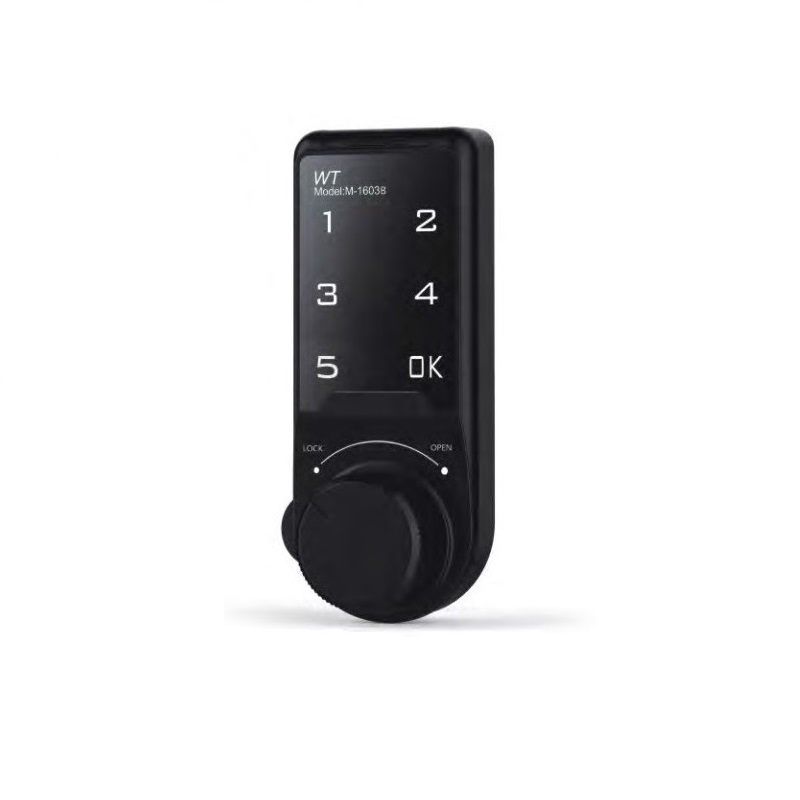


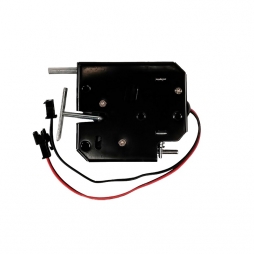
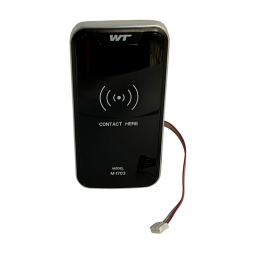
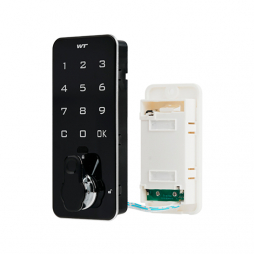
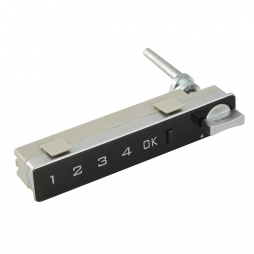
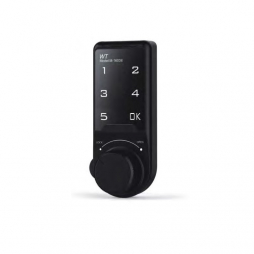
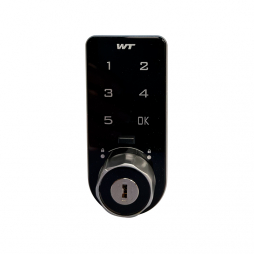
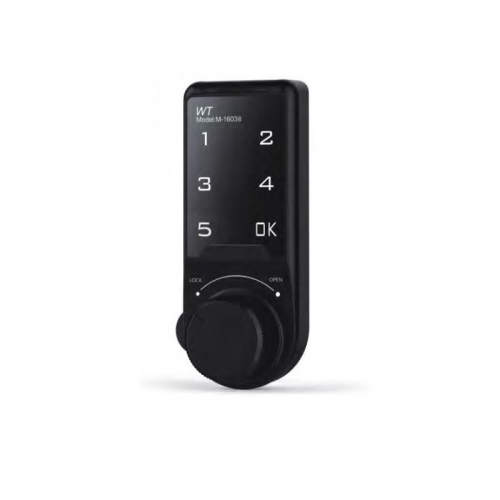
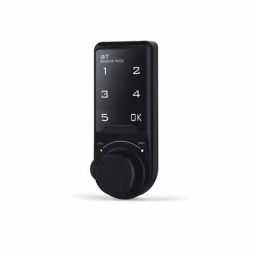
Coded electronic lock RZ M-1603BK-30, plastic, sec. 1M, GH=30 mm, thickness up to 25 mm, vertical, black
| Self service | 8:00 - 17:00 (Kyiv) | Free of charge |
| Sending by DHL | Same day ship out upon receipt of payment to the account before 12:00 p.m. (Kyiv) | From 10.99 € |
| Exchange / Return of the Goods within 7 days |
| The seller guarantees the packaging of the ordered product, which will ensure the integrity and safety of its commercial type. |
| Characteristics | |
| Manufacturer | RZ |
| Country of manufacture | China |
| Body material | Plastic |
| Effective length | 30 mm |
| Secrecy | 1 000 000 |
| Body color | Black |
| Insert material | Zinc alloy |
Coded electronic lock RZ M-1603BK-30 is a wireless lock that memorizes up to 1 million passwords.
Assignment
Securely locking doors of furniture indoors.
Suitable for metal, wood, plastic furniture:
- wardrobes and wardrobe cabinets - for clothes, shoes;
- office and kitchen furniture;
- archive cabinets, file cabinets, etc.,
- mailboxes.
Features of the electronic coded lock
- Elegant case design.
- Stylish touch panel for easy use.
- Password can be 4-15 digits, the device can store a million passwords.
- Password set and changed by the user, automatically saved in the off state of the lock.
- The battery is designed for 3000 openings, can be easily removed.
- The power is automatically turned off when the battery is too low.
- If the password is entered incorrectly 4 times, an alarm is automatically triggered. sound accompaniment.
- It is possible to work in public and private mode using the switch.
- A USB connector is provided for emergency charging of the lock from a mobile power supply.
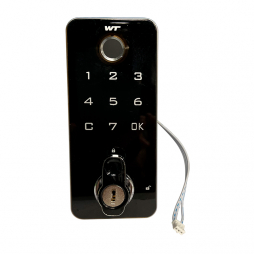
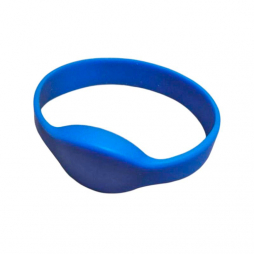
- Can be supplied decoder.
Characteristics of RZ M-1603BK-30
Can work in public and private mode.
Material
body: plastic.
inserts: zinc alloy.
Effective length GH, mm: 30.
Crossbar rotation angle: 90 °.
Battery: Cr2032, 3 V.
Body color: black.
Suitable for door thicknesses not exceeding 25 mm.
Installation orientation: vertical.
Video installation guide for the RZ M-1603BK-30 lock
The installation and configuration of the lock include the following steps.
Lock Installation
Step 1. Insert the lock body into the mounting hole and secure it from the back of the door using the nut and hardware.
Note: Use the appropriate tool to ensure the lock body is securely fixed. A power tool is recommended.
Step 2. Install the locking bolt (cam).
Note: A power tool is also recommended for securing the bolt.
Step 3. After connecting the power, perform a manual unlock test. The handle should turn the bolt clearly by 90°.
Unlocking with a Password
If an incorrect password is entered, the lock will not open.
If the correct password is entered, the lock opens (turn the handle to the OPEN position).
Changing the Password
- Enter the current password and press OK. The default user password is 1234.
- Press and hold OK until you hear a continuous beep.
- The green indicator light will turn on. Enter your new password and press OK.
- Test the new password: enter it and press OK. Turn the handle from LOCK to OPEN to confirm the door opens.
Switching to Public Mode
- Enter the manager password and press OK. The default manager password is 4321.
- Press and hold the OK button until the beep sounds, then press OK once more.
- Enter 44 and press OK.
Operating in Public Mode
- Press OK and set a temporary password.
- Place your items in the locker and close the door. Lock the device by turning the handle left to the LOCK position.
- If someone else attempts to use your locker, the indicator will show it is occupied: an alert signal will sound every 3 seconds.
- To open your locker, enter your temporary password and open the door.
- Close the door and turn the handle to the LOCK position. The lock is now ready for the next user.
Emergency Opening via Mechanical Key
- Insert a metal pin into the hole at the bottom of the handle. Use it to remove the handle cover to reveal the mechanical key cylinder.
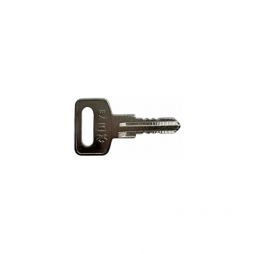
- Use the emergency mechanical key (standard English type). Turn the key to the OPEN position. The lock is now open.
Using the Emergency Power Supply
- If the battery level is too low, the lock will not open and the indicator will not function.
- In this case, use an external power pack. It connects via the USB port on the external part of the housing.
- Set a temporary password. The lock is operational if the indicator light flashes during password entry.
You can buy a coded electronic lock in our company. Selling in bulk at the best price. We carry out delivery in Europe.